mirror of
https://github.com/yuk7/AlpineWSL.git
synced 2026-03-18 21:40:29 +01:00

AlpineWSL
Alpine Linux on WSL (Windows 10 FCU or later)
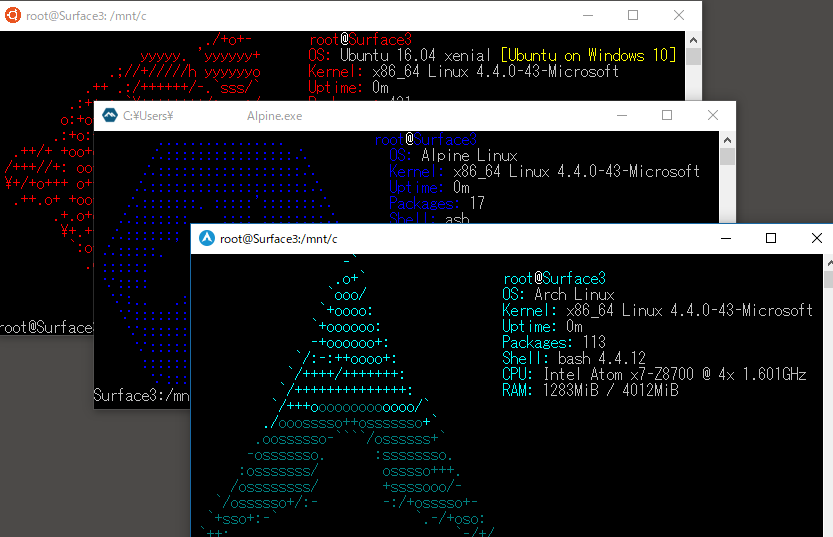


Download
Requirements
- Windows 10 1709 Fall Creators Update 64bit or later.
- Windows Subsystem for Linux feature is enabled.
Install
1. Download installer zip
2. Extract all files in zip file to same directory
3.Run Alpine.exe to Extract rootfs and Register to WSL
Exe filename is using to the instance name to register. If you rename it you can register with a diffrent name.
How-to-Use(for Installed Instance)
exe Usage
Useage :
    <no args>
      - Launches the distro's default behavior. By default, this launches your default shell.

    run <command line>
      - Run the given command line in that distro.

    config [setting [value]]
      - `--default-user <user>`: Set the default user for this distro to <user>
      - `--default-uid <uid>`: Set the default user uid for this distro to <uid>
      - `--append-path <on|off>`: Switch of Append Windows PATH to $PATH
      - `--mount-drive <on|off>`: Switch of Mount drives

    get [setting]
      - `--default-uid`: Get the default user uid in this distro
      - `--append-path`: Get on/off status of Append Windows PATH to $PATH
      - `--mount-drive`: Get on/off status of Mount drives
      - `--lxuid`: Get LxUID key for this distro

    clean
     - Uninstalls the distro.

    help
      - Print this usage message.
How to uninstall instance
>Alpine.exe clean